


How to identify popular customer requests and promote your business on maps
Want your business to be found more often? Find out what queries customers use in search and implement keywords in your card on Google and Yandex Maps to increase the flow of orders.
How do customers search for your business on Google and Yandex Maps?
Imagine that you are in a new city and want to quickly find a place for lunch. What query would you enter in the search?
🔹 "Cafe nearby"
🔹 "Georgian cuisine restaurant"
🔹 "Pizza delivery"
People rarely use complex phrases. They formulate requests simply, based on their immediate need.
⚡ What does this mean for your business?
If your card description does not contain the necessary keywords, the search engine simply will not show your business to the client.
📢 Attract more customers!
We will help you set up your card in Google and Yandex Maps so that you can be found by the most popular queries!

How do you know what your customers are looking for?
1️⃣ Use Google and Yandex Maps
Try searching for your service the way a client would. Which companies appear in the search results? What keywords do they use in the description?
2️⃣ Pay attention to automatic suggestions
When you start typing a query in the maps, the system suggests popular phrases. These are the keywords that users use.
People write important keywords in their reviews themselves. For example, if you have a cafe, pay attention to what dishes customers mention most often.
4️⃣ Analyze your competitors
Look at the cards of the best companies in your niche. What keywords do they use in their descriptions, titles, and reviews?
📢 Do you want to know which queries will bring clients to you?
Get a free audit of your Google Maps card– we will show you what words to add to improve your search rankings!
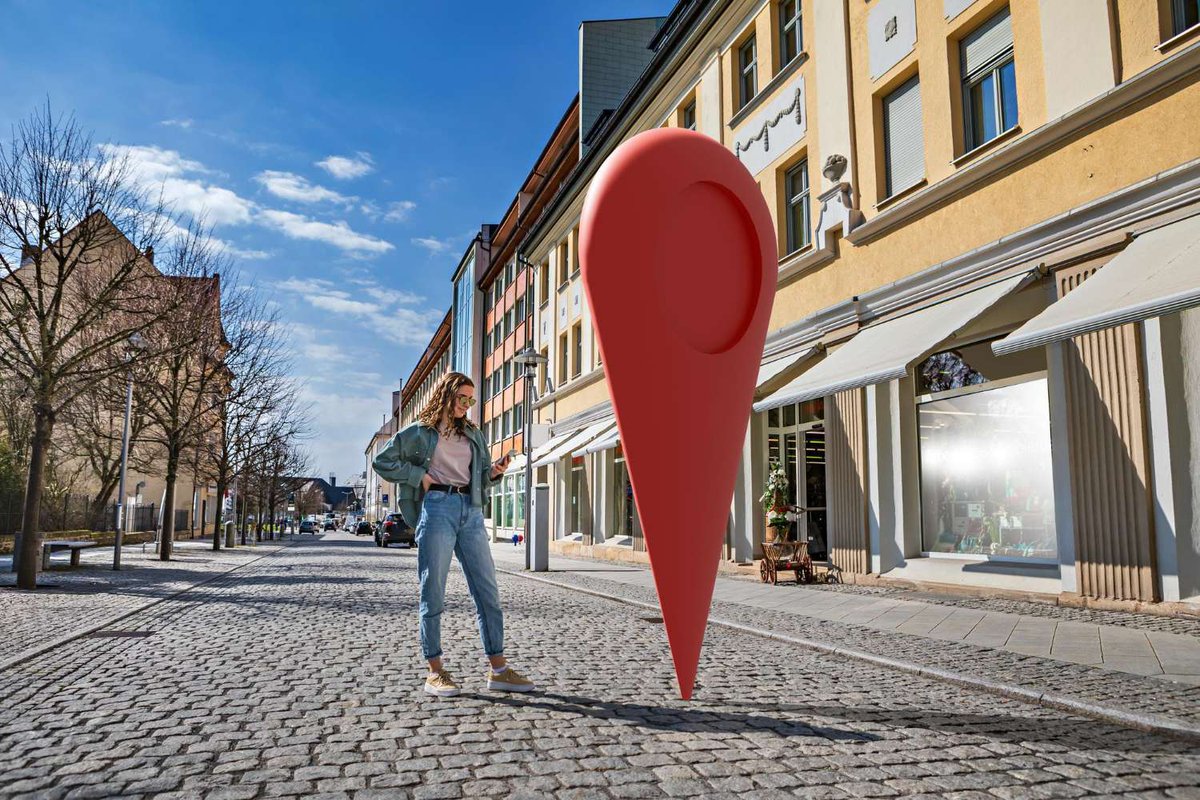
How to adapt your card to customer requests?
✔ Add keywords to the description
If you have a beauty salon, use phrases like "massage", "manicure", "pedicure", "skin care".
✔ Use natural wording
Not just "the best cafe", but "a coffee shop with desserts", "a cozy cafe with breakfasts".
✔ Update the description and photos regularly
Google and Yandex increase the ranking of active cards with updates.
📢 Do you want customers to find you?
Take a course on promoting your business on Google and Yandex Maps and get step-by-step instructions on increasing visibility!

👉 Set up your card correctly – get clients for free!
People are already looking for the services you offer. If you are not in the search or your card is not optimized, you are losing customers every day.
Local SEO From Scratch: Strategies That Work
-
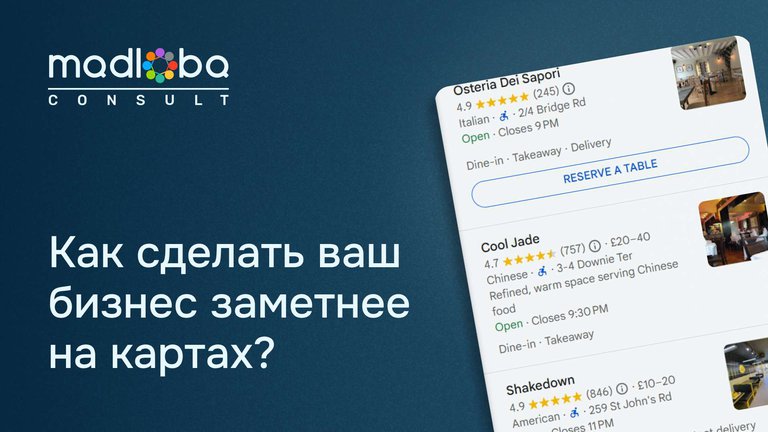
How to improve visibility on Yandex Maps and Google: effective optimization for your business
Local business promotionFind out how to properly optimize your card on Yandex Maps and Google to attract more cus…
-
How to promote on maps for free? 2 key steps to success 🚀
Local business promotionFind out how to improve your visibility on Yandex.Maps and Google Maps for free! Two key …
-

25 Customer Touchpoints: How to Improve Feedback and Increase Sales
Local business promotion25 key moments when a customer interacts with you. Learn how to handle each touchpoint co…
-
📍 How quickly do customers visit a business after finding it on maps?
Local business promotionFind out how quickly customers come to a company after searching on maps and how local SE…


 Frequently asked questions
🔹 How quickly can I rank higher in search results for the queries I need?
Card optimization gives results in 2-4 weeks if you work with keywords and reviews.
🔹 Is it possible to find out which queries customers enter most often?
Yes, using Google Trends, search suggestions, and competitor analysis.
🔹 If I don’t have a physical address, will local SEO help me?
Yes, company cards without an address can be searched for the queries I need if they are filled out correctly.
🔹 Do I need to change the card description regularly?
Yes, keeping the data up-to-date increases the chances of high search positions.


22 comments
Log in to leave a comment